
In this post, I demonstrate how to access the sample apps that come with the tizen wearable IDE. For developers learning a new language/platform, the best way to get started is to study and build on sample code. Unfortunately the Gear 2 getting started documentation does not clearly state how sample Gear 2 apps can be obtained. Thus, I was left wondering how to realize the UI Guidelines stated in the documentation, how many of the widgets (which looked standardized) were achieved . I was almost building my own widgets (quite unnecessary it turns out) when I found out there were sample apps.
Before We Get Started
As always, its best to thoroughly read through documentation before starting a project .. or atleast skim through it. Here how to access the Tizen Wearable Documentation.
– Open the Tizen Wearable IDE
– Help > Help Content
This documentation is fairly detailed and handles most of my initial queries . Not very navigable, but useful.
To Access the Tizen Wearable Sample Apps .
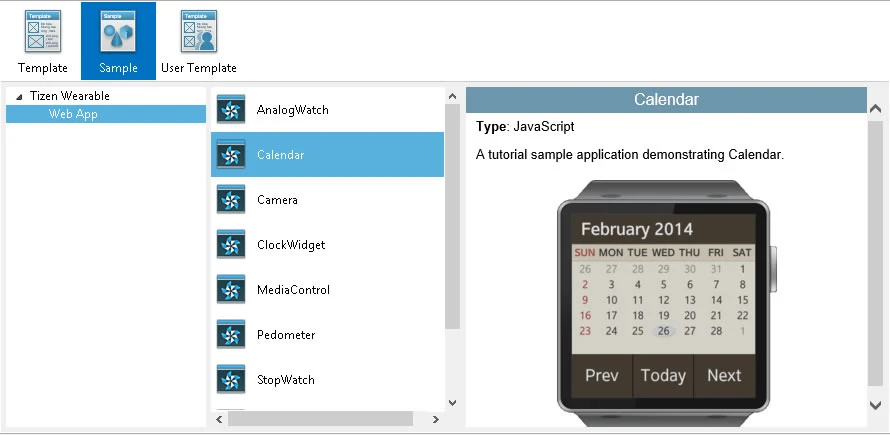
– File > New > Tizen Wearable Web Project
– Sample > Tizen Wearable > Web App
– Select any project e.g StopWatch or Calender .
– Enter Project Name and Click Finish
Other Sample Apps Which You Can Use
Detecting swipe gestures in Gear 2 using Jquery Mobile – Sample Code
Detecting Swipe, pinch, rotate, in Gear 2 using Hammer.js – Sample Code
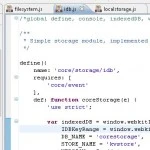
How to store Data in Gear 2 Apps
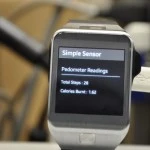
Detecting Pedometer Data in Gear 2 – Sample Code
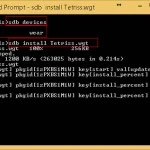
How to Sideload .wgt app files on the Samsung Gear 2
Accessing Accelerometer Data in Gear 2 – Sample Code
Screen Power Management on Gear 2
How to Send Infrared data from Gear 2