

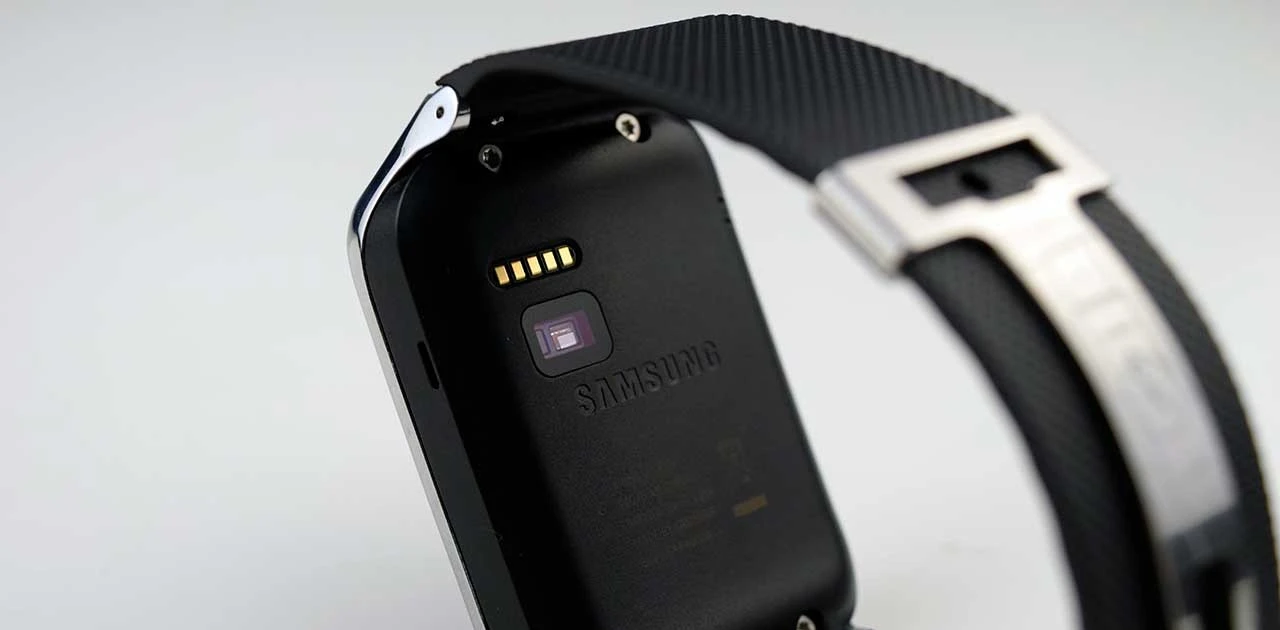
Photo credit : firstpost
In recent versions of the tizen wearable sdk (1.0.0b3), a few important features (mainly about sensors) have been added to the Gear SDK.
– In the Motion API: GPS type has been added for retrieving user location information (latitude, longitude, speed, timestamp)
– The startHandGestureRecognition() and stopHandGestureRecognition() methods have been added to get information about user hand gestures (gesture direction, acceleration, and duration).
– The “HRM” MotionType has been added.
– The Memory interface and DUID attribute have been added in SystemInfo API.
– The MessagePort and SystemSetting and Download API have been added.
– The Sensor API has been added in the Extension APIs, with the Light, Magnetic, Pressure, Proximity, and UV sensor types.
– The badge manager is supported to set the badge number on the application icon.
One important update is the re-introduction of the HRM sensor after it was removed in the 1.0.0b2 release. Nominally, it means you can develop apps that can incorporate data about the wearers heart rate into its functions. Before that, there are a few things that need to be done first.
Upgrade to Partner Priviledge.
To maintain security and integrity of user information, the Tizen OS security architecture implements 3 levels of security privileges – public, platform and partner. Each of the device apis (e.g motion api, application launch) in the tizen wearable help documentation fall under one of these three categories :
– Public:These privileges are open to all Tizen application developers.
– Partner:These privileges can only be used by developers registered as partners on the Tizen store.The developer must be fully identified and permitted by the partner policy of the Tizen Store to use both public and partner level privileges.
– Platform: These privileges are used in system APIs for managing the Tizen platform.These privileges are open only to a specific set of Tizen application developers.
It turns out that the HRM sensor privilege is only available to the public but only developers with a partner status. To upgrade, you will need to use the new Tizen Wearable IDE to create a certificate request and a deviceprofile in which you specify the partner priviledge.
Add Privileges (Healthinfo and Medicalinfo)
In your config.xml file you should add two privileges – healthinfo and medicalinfo. Thanks to Todd (comments) for sharing this info.
<tizen:privilege name="http://developer.samsung.com/privilege/healthinfo"/><tizen:privilege name="http://developer.samsung.com/privilege/medicalinfo"/>
Code to Read Heart Rate
Based on the api documentation in the help section, you can then use the following code snippet to read heart rate via the MotionApi.
webapis.motion.start("HRM", onchangedCB);

function onchangedCB(MotionHRMInfo) {
console.log("Heart Rate : " + MotionHRMInfo.heartRate);
console.log("Interval : " + MotionHRMInfo.rRInterval);
}
The heartrate and interval vvariables are described as follows based on the api documentation.
Motion API (Samsung Extension)
readonly long heartRate
– An attribute to indicate the heart rate in beats per minute. When a user takes off the watch device, the heartRate is set to -3. When a user shakes the watch, the heartRate is set to -2. Since: 2.2readonly long rRInterval
– Peak-to-peak interval in millisecond(s).


![Getting Accelerometer Data in Javascript for your Gear 2 Apps [Sample Code]](/blog/wp-content/uploads/2014/06/DSC_0010-e1403604089758-150x150.webp)