
 The Problem
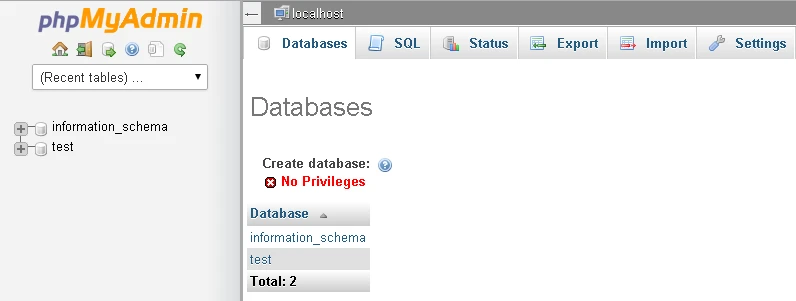
I logged into PhpMyAdmin on localhost with wrong credentials (username:admin and no password) and couldn’t create any new database : NO PRIVILEDGES. I’m not even sure why the wrong credentials worked in the first place as I did not create is explicitly. This shouldn’t have been a problem once I realized I used the wrong credentials. However the PhpmyAdmin logout button was missing (not like in the picture above) and restarting the service or even the entire PC did not bring it back.
Solution
Go to config.inc.php inside your PhPMyAdmin folder and change the AllowNoPassword config to false and auth_type to config
$cfg['Servers'][$i]['AllowNoPassword'] = true;
$cfg['Servers'][$i]['auth_type'] = 'config';
You may also force the use of the default credentials.
$cfg['Servers'][$i]['user'] = 'root';
$cfg['Servers'][$i]['password'] = ''; // leave blank if no password
This would force the login page to come back .. and you can then login with the right credentials. Note that the default root (superuser) credentials are username:root with no password. So after your login page shows up again, you should allowNoPassword and then use the default account.