

What is the NODE+ Sensor
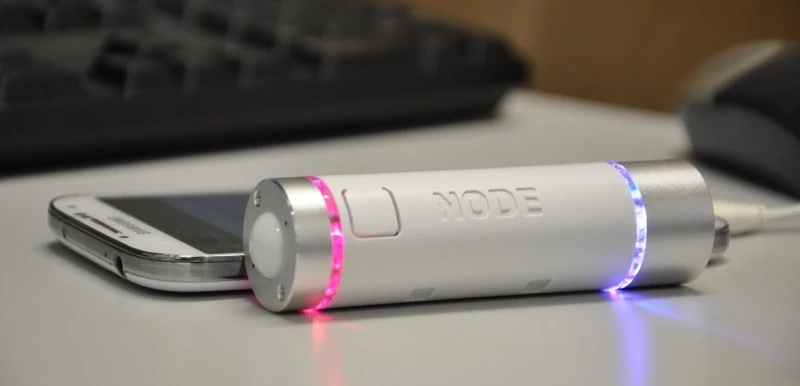
That’s my node+ right there … 🙂
It looks like a very beautifully designed Cylinder with a few sensors in it that can relay readings via Bluetooth LE . Inside the NODE+ device, its a Lithium Polymer battery (650 mAh) , 12-14 hours battery life with continuous Bluetooth use, 2 MB memory, 3-axis accelerometer, 3-axis magnetometer , 3-axis gyroscope , Audio buzzer , Bluetooth 2.1 or Bluetooth Low Energy , 2 module ports , 2 dimmable blue LEDs, micro-USB for charging and firmware programming .
This sensor set can be extended by screwing on extensible hardware sensor modules such as
- Barcode Scanner – Scan any item, keeping track of your inventory, pricing, and availability
- Chroma Color Scanner – Compute accurate sRGB, CIE L*A*b*, and Hex values, regardless of ambient light
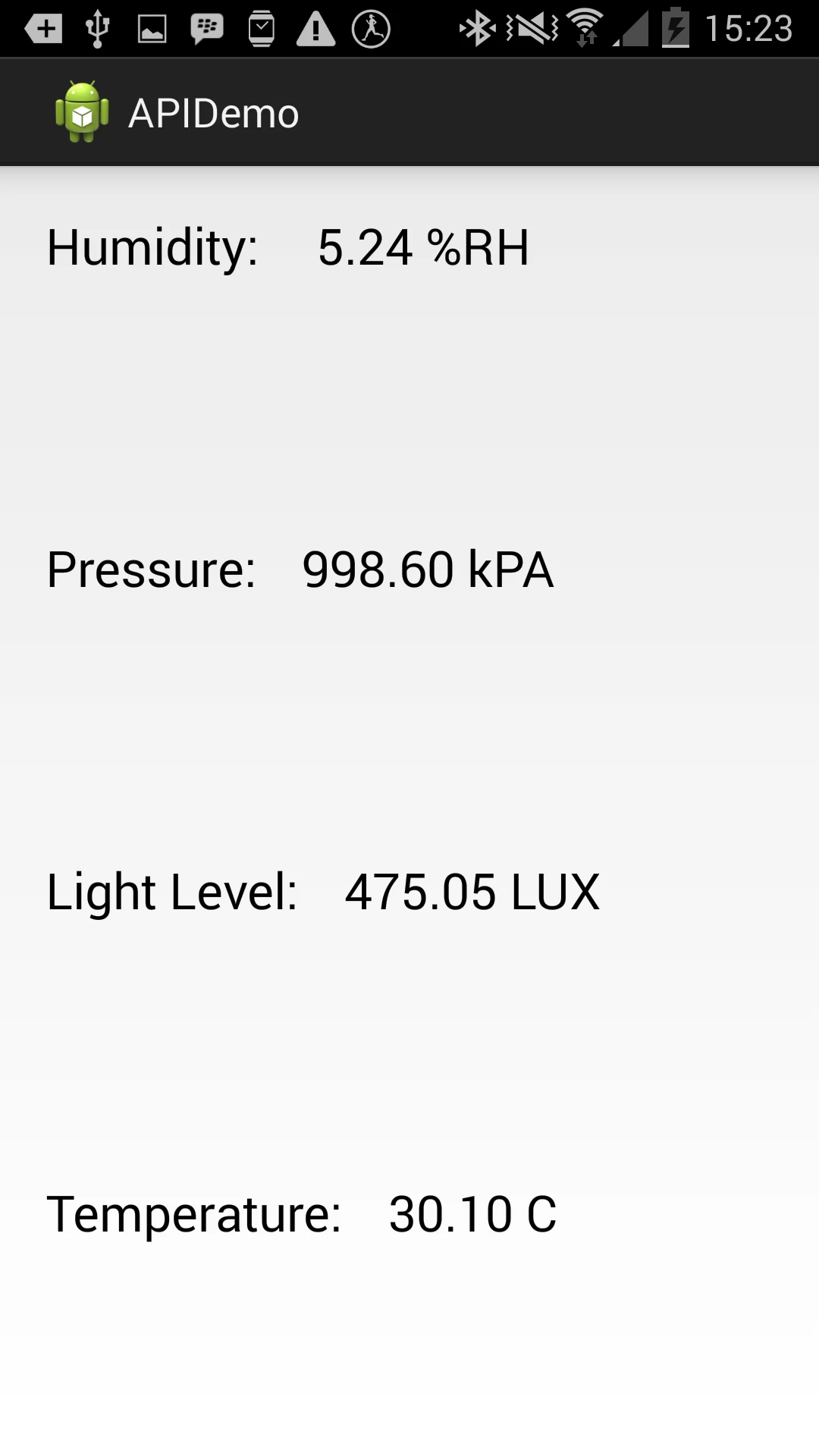
- Clima sensor – Measure humidity, temperature, light level, and barometric pressure I/O – Connect any project to your smart device easily; wirelessly Control your R/C toy, develop your own sensor module.
- Luma Light – Brighten up the space with 8 LEDs, 3 preprogrammed modes, and remote adjustment via your smart device
- Therma Sensor – Measure surface temperature via infrared from a distance of up to 15 feet
- Thermocouple + high temperature wire probe – Measure probe temperatures in air, ovens, and backyard grills for quality control, and temperature monitoring.
- Variable Inc says more modules are in development ….
Plus, it’s Android/IOS compatible with open API, and sample code to get you started. You can basically turn it into what you need. And we can make apps to harness all these possibilities.
Getting Started
Yes, your NODE+ arrived and if you didn’t get a manual or spec document … took a while for me to find it here on the NODE+ getting Started Page. Below is an interesting introduction to the NODE+ device after it has arrived on your table.
You can attach two external module sensors to your NODE+ simultaneously. You do this by unscrewing each end of the NODE+ Sensor . Turn off your NODE+ by holding down the power button for 5 seconds. Unscrew cap, affix new module, screw back on, power on!
Note: The screw driver that comes with the sensor pack aren’t the best fit. Or mine wasn’t. It could hardly fit into the screw heads and there’s the very real risk of washing out the screw groves . You may want to find a smaller screwdriver with better fit when replacing modules.
Running the Android Sample Code using Eclipse.
Variable Inc has provided some sample code!
In this section we’ll examine how code to get developers started reading data form the NODE+. If you are familiar with Android Studio, you can follow the steps provided by Variable Inc. If you are like me and are comfortable with eclipse, here’s how to get started
- Download and extract the sample code (it’s an Android Studio project .. meehhh).
- Create a New Android Project in Eclipse (can be any type of project)
- Navigate to the main folder in the downloaded sample.
\variabletech-libnode-android-public-fc17065a2760\api example\APIDemo\src\main . You should see two folders – java and res - Delete the res folder in your eclipse project and replace its content with the res folder from the sample
- Delete the content of the src folder in your eclipse project and replace it with the content of the java folder in the downloaded sample.
- Finally, delete the androidmanifest.xml in your eclipse project folder and replace it with the androidmanifest.xml in the downloaded sample
- Your sample app should be ready to run.
The Sample App ?
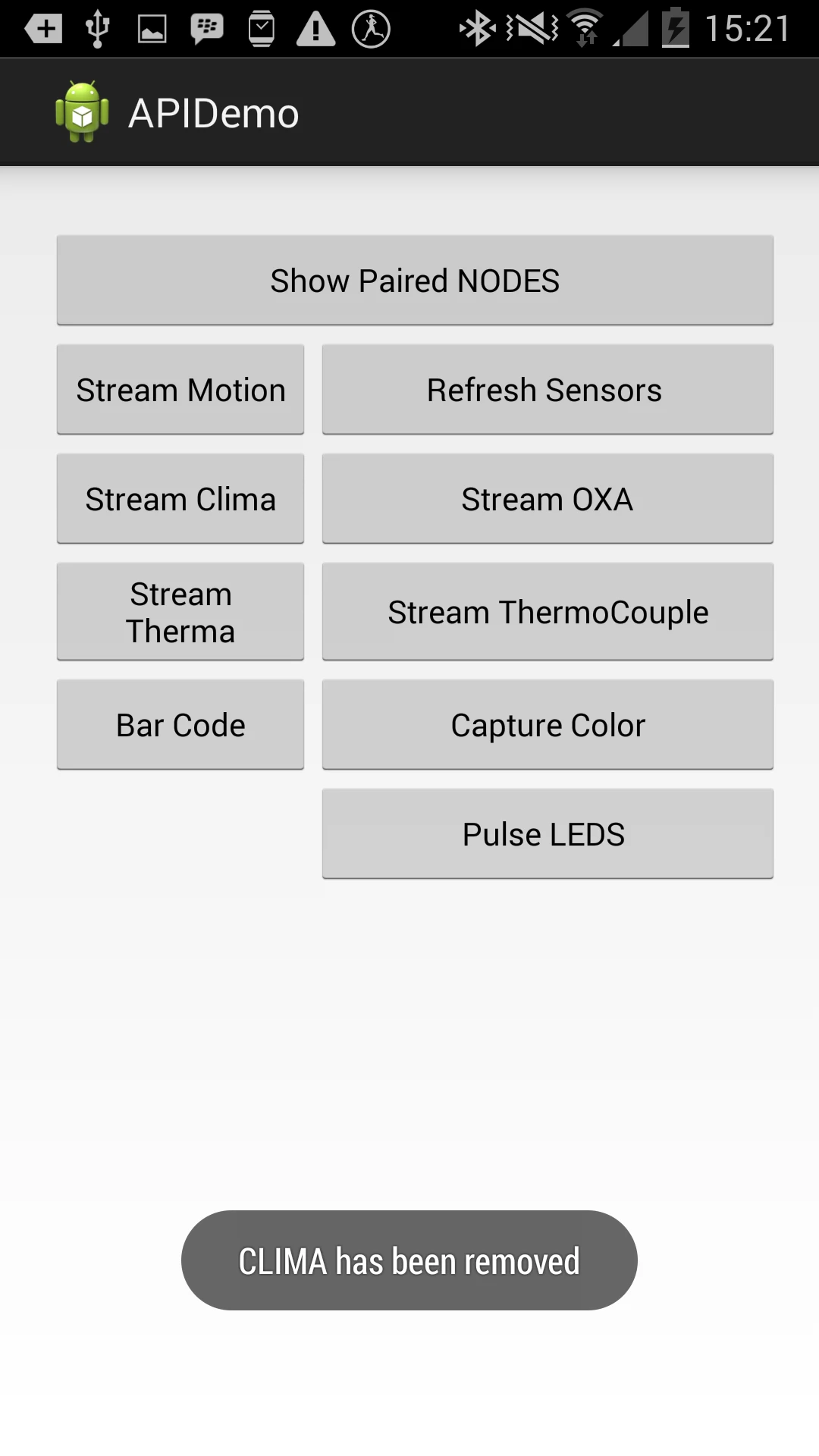
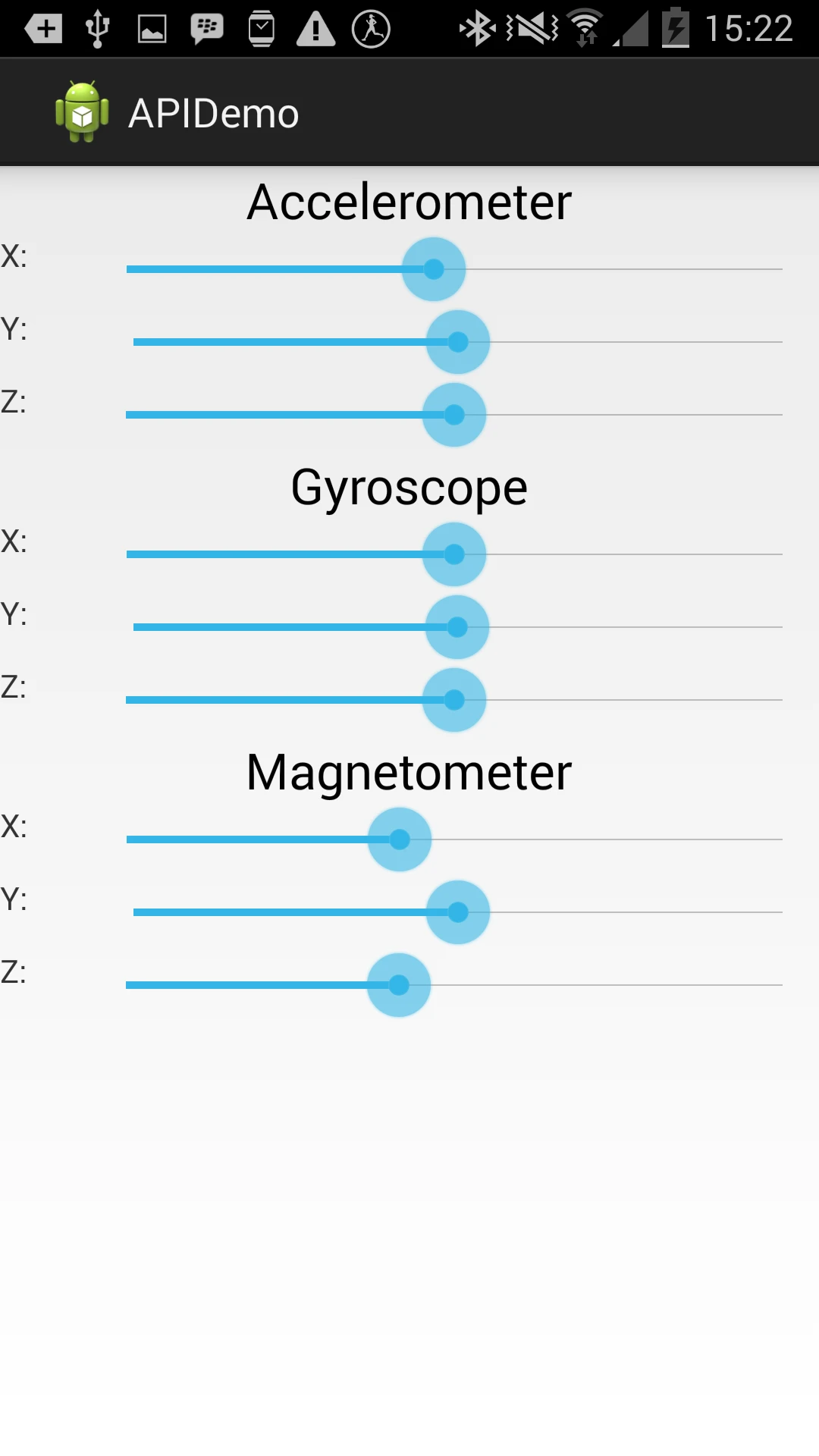
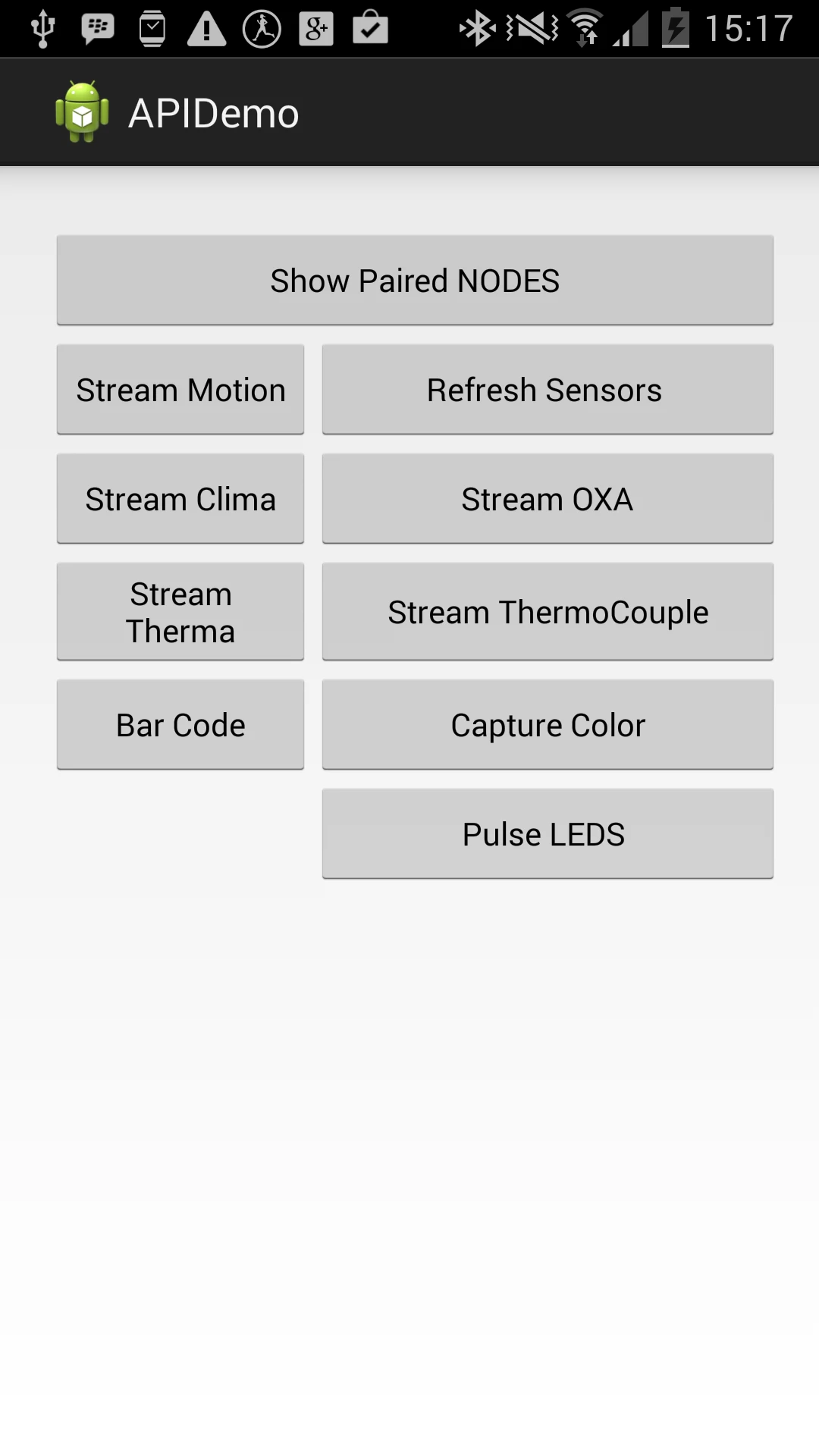
I have two sensors on my node device – CO gas sensor and the Clima sensor. I was able to stream sensor values from the node to the sample app after selecting my paired NODE+ device under the “Show Paired NOdes button” .
 Introducing the Texas Instrument CC2541 SensorTag Combined Sensor
 Comparison of SmartWatches and Sensors with 3rd Party Developer Access
 5 Reasons to Add Scoreloop to your Mobile Game App
 Recovering a Bricked (Bootloop) Galaxy S2 i9100G and Installing CyanogenMod 11 (Android 4.4)